
VS Code
GEDCOM for Visual Studio Code
GEDCOM language support by Domorium. Read and edit .ged and .gedcom files with structure-aware suggestions and diagnostics as you type. The extension runs as a web extension, so it works in vscode.dev with no local runtime.
- Find references
- Safe rename
- Outline
- Colour on open
- Fenced blocks
- Indentation hints
- Photograph preview
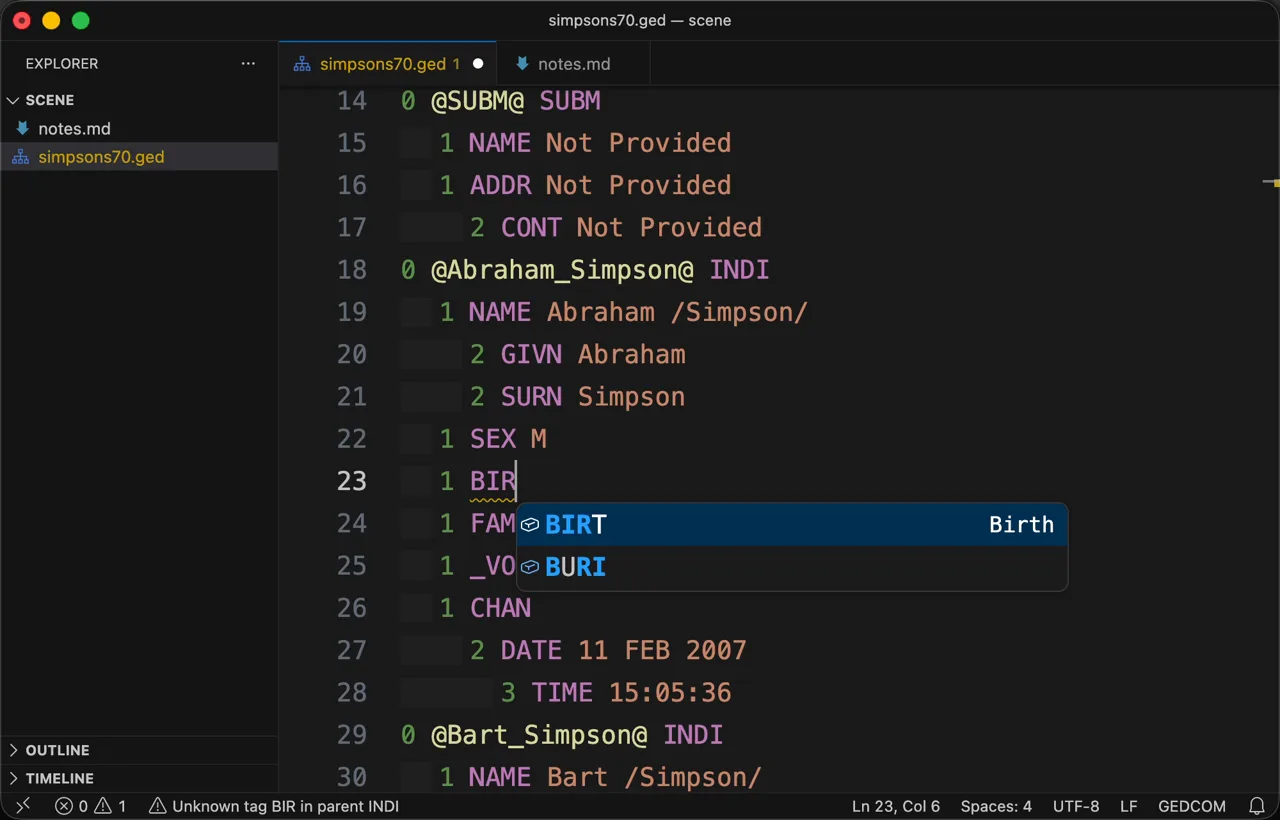
1/3A tag completed, and the warning it clears 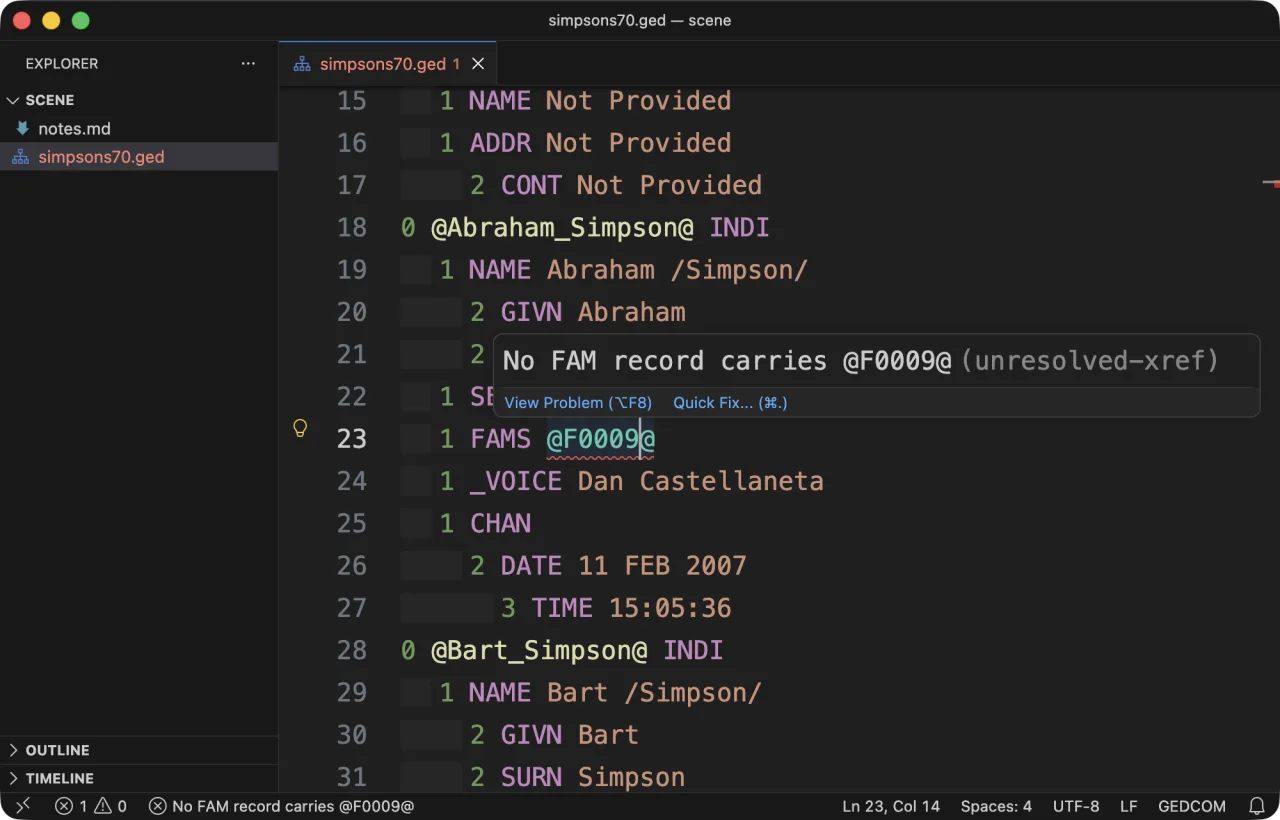
2/3A pointer that names nothing, and the fix for it 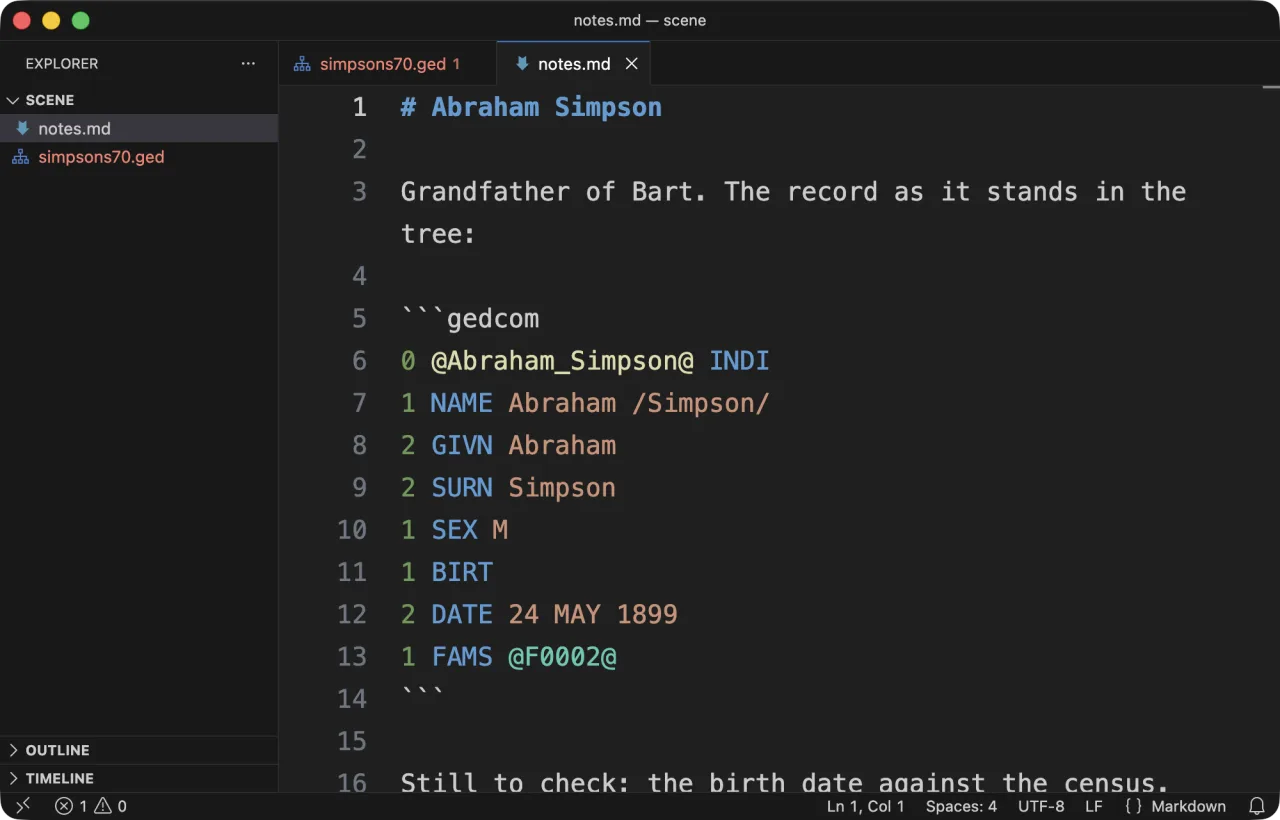
3/3GEDCOM inside a Markdown note, coloured and checked
What you get in VS Code
- Context-aware autocomplete that knows which tags are legal at this level, in this structure
- Real-time structural validation against the GEDCOM 5.5.1 and 7.0 specifications
- Syntax highlighting from the moment a file opens, refined by the language server once it connects
- GEDCOM highlighted inside a gedcom code block in Markdown
- Hover information for GEDCOM tags, and the record a cross-reference names
- Go to definition, find all references with read/write highlights, and safe atomic rename
- Quick fixes for broken references and invalid levels
- Code folding for records and nested structures
Install it
Install it from the Marketplace, or from the command line:
code --install-extension domorium.gedcom