JetBrains
GEDCOM for JetBrains IDEs
GEDCOM language support by Domorium. Read and edit .ged and .gedcom files in IntelliJ IDEA, PyCharm, WebStorm or any other IntelliJ-platform IDE, with diagnostics as you type.
- Find references
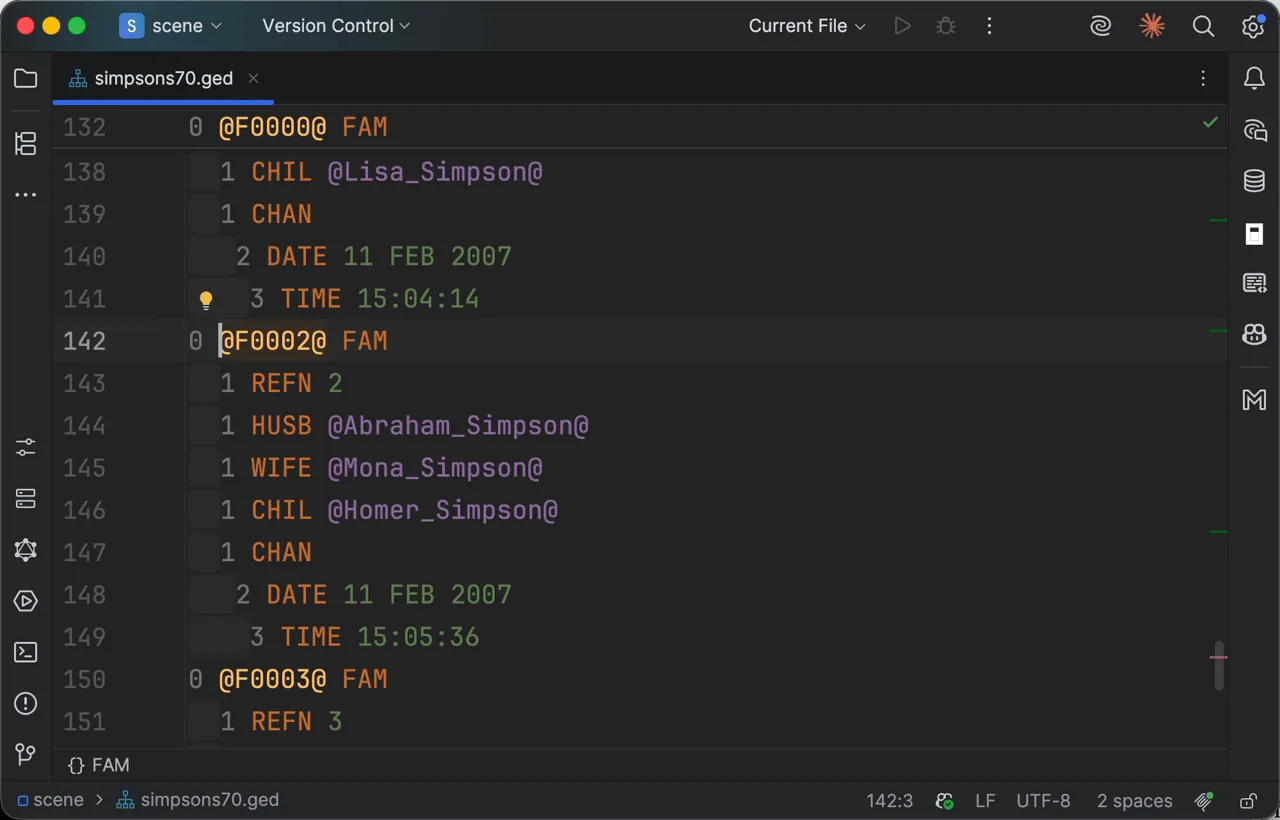
1/3From a person to the family that names them 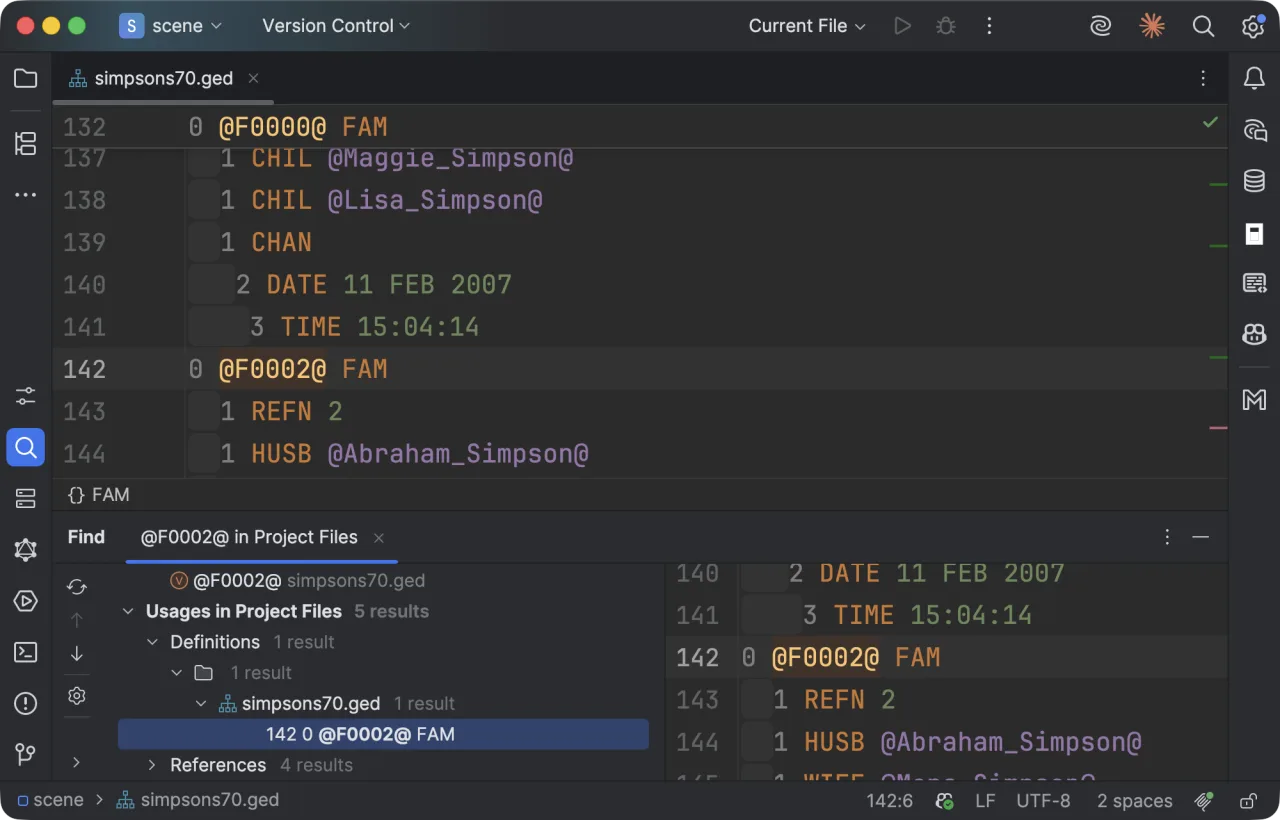
2/3Every line that names one record 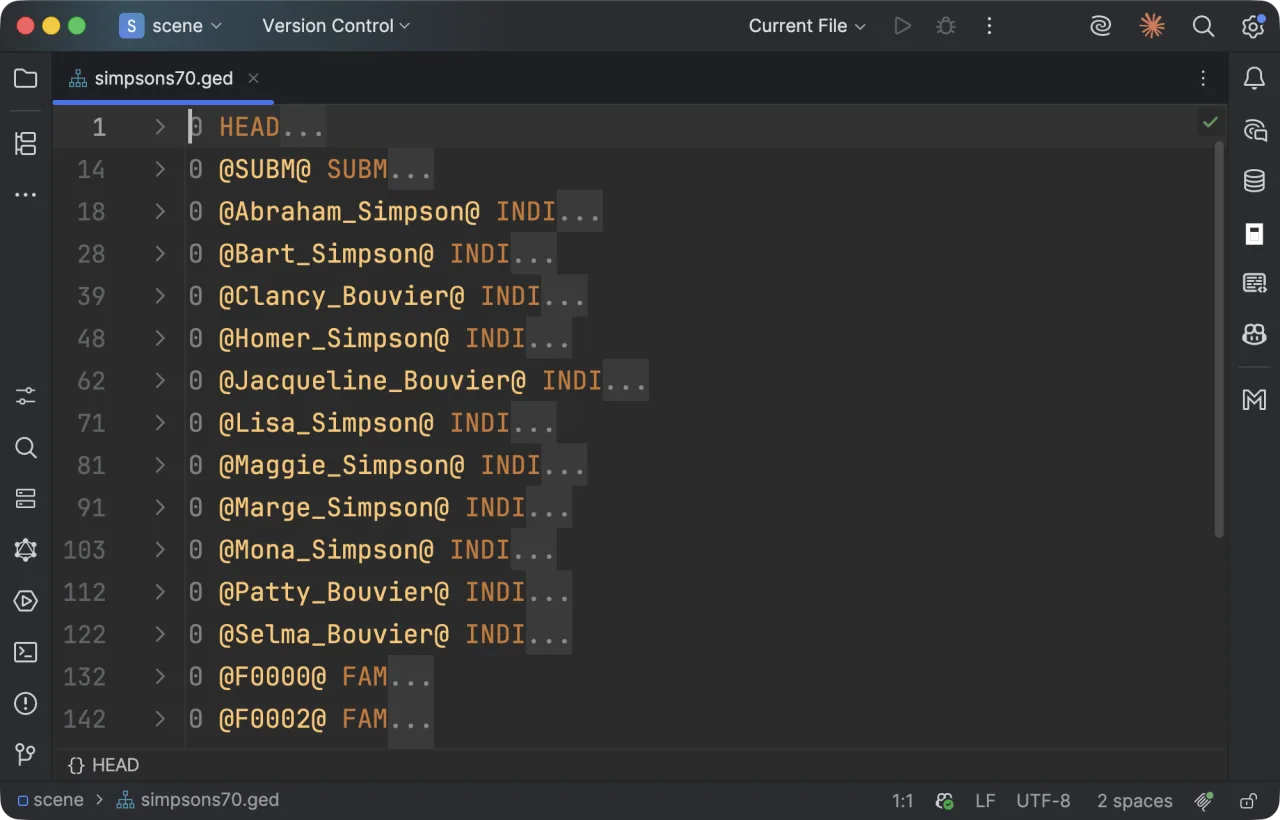
3/3The whole file folded to its records
What you get in JetBrains
- Context-aware autocomplete that knows which tags are legal at this level, in this structure
- Real-time structural validation against the GEDCOM 5.5.1 and 7.0 specifications
- Semantic syntax highlighting
- Hover information for GEDCOM tags, and the record a cross-reference names
- Go to definition for cross-references
- Code folding for records and nested structures
Install it
Install it from the JetBrains Marketplace, or from the IDE:
- Settings → Plugins → Marketplace
- Search for GEDCOM, then install it and restart the IDE
Requires Node.js on PATH. The GEDCOM language server ships with the plugin and runs on your machine.
Source and issue trackerThe same GEDCOM support elsewhere
GEDCOM for Visual Studio Code
A web extension as well, so it runs in vscode.dev with no local runtime.
VS CodeGEDCOM for Obsidian
Desktop and mobile. Vault files are edited in place, never converted to Markdown.
Obsidian GEDCOM editor in the browser
Nothing to install, and nothing leaves your machine.
Editor