
GEDCOM tools, wherever you work.
Plugins and extensions that bring GEDCOM editing, validation and navigation to the applications you already use — and a browser editor that runs the same parser on your own machine.
- Open source
- Cross-platform
- Nothing is uploaded
- GEDCOM 5.5.1 / 7.0
Bring GEDCOM to the tools you already use.
One language service backs all of them, so a diagnostic reads the same wherever you meet it.
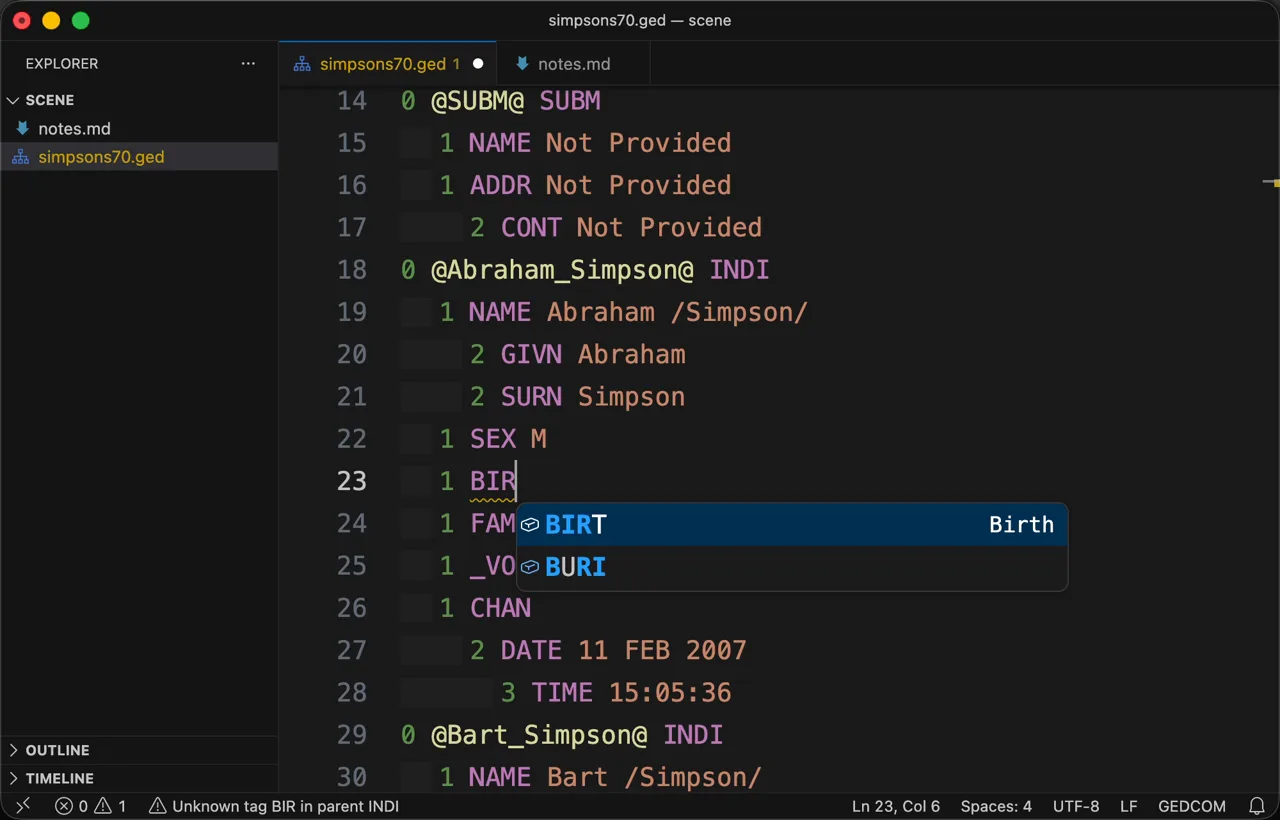
VS Code
releasedA web extension as well, so it runs in vscode.dev with no local runtime.
- Find references
- Safe rename
- Outline
- Colour on open
- Fenced blocks
- Indentation hints
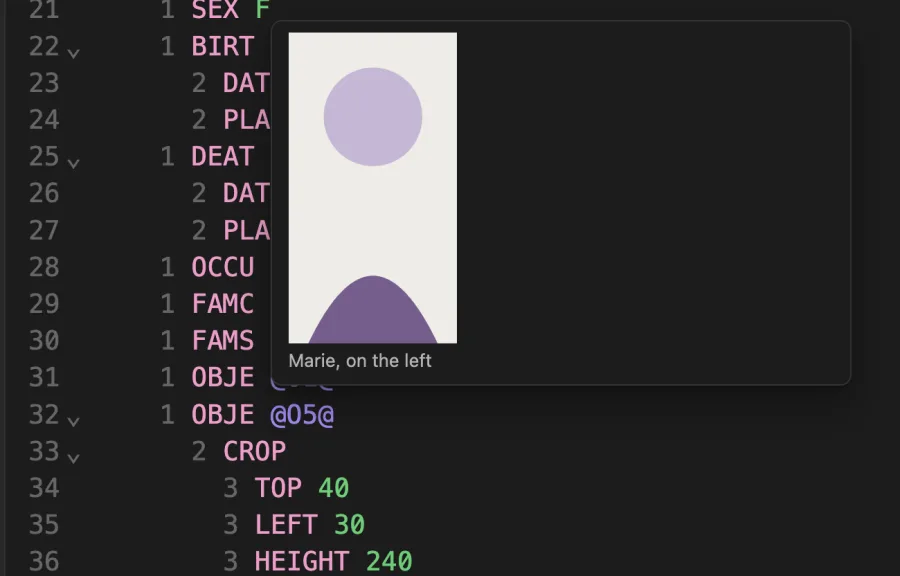
- Photograph preview
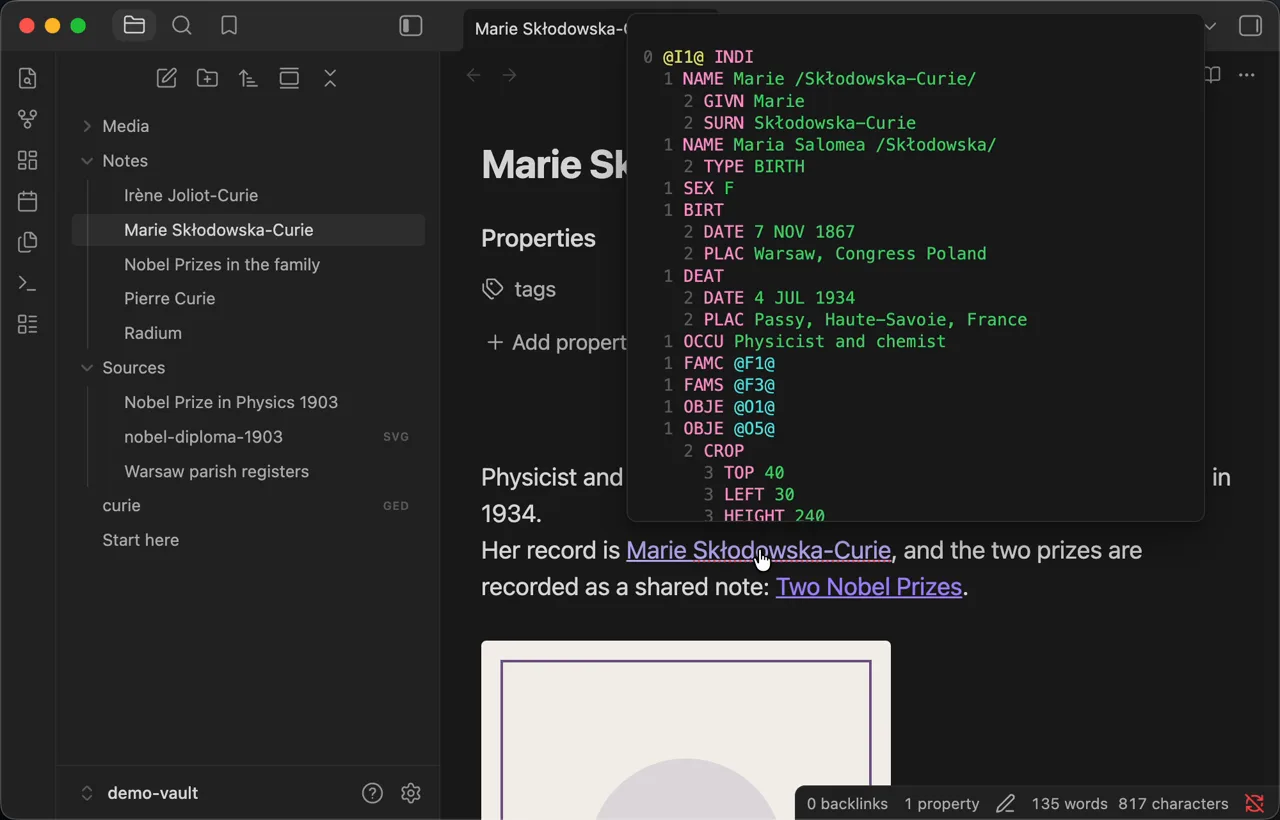
Obsidian
releasedDesktop and mobile. Vault files are edited in place, never converted to Markdown.
- Find references
- Safe rename
- Fenced blocks
- Indentation hints
- Photograph preview
- Preview beside the file
- Note to record links
- A whole folder
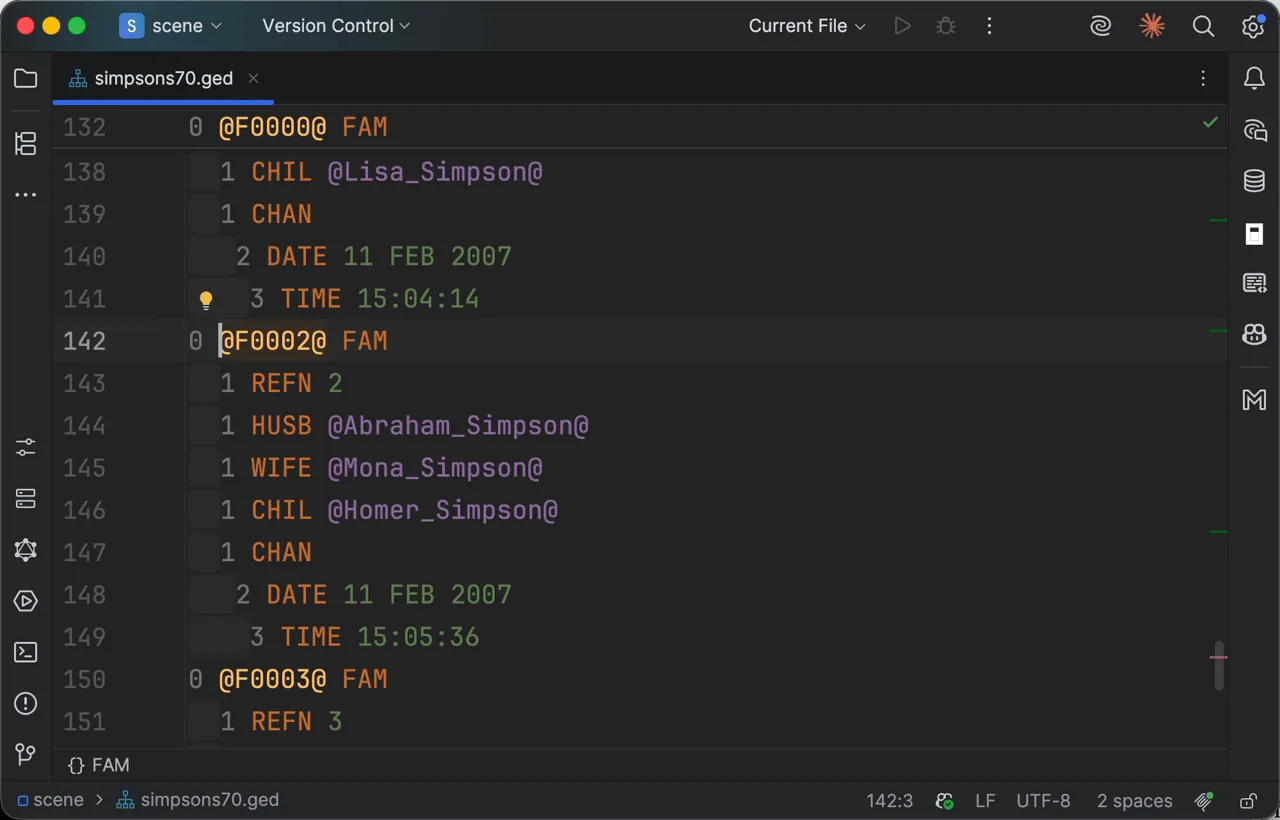
JetBrains
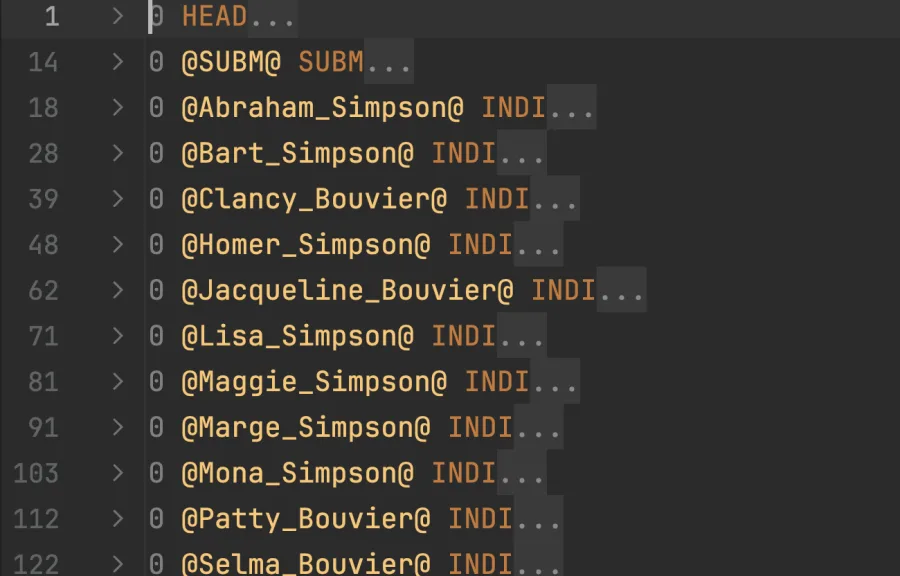
releasedAny IntelliJ-platform IDE. Needs Node.js on PATH.
- Find references
What each place does
One language service answers for all of them, so most of this table is the same in every column — a diagnostic reads the same wherever you meet it. Below that are the rows where the places part, each giving its own host abilities the others have no place for. An empty cell means it is not there — or, for a JetBrains IDE, that it was not verified rather than promised.
| Ability | VS Code | Obsidian | JetBrains | Browser |
|---|---|---|---|---|
| The same in every editor | ||||
| Autocomplete that knows which tags are legal at this level, in this structure | ||||
| Validation against the GEDCOM 5.5.1 and 7.0 specifications, as you type | ||||
| Semantic highlighting of levels, tags and cross-references | ||||
| Hover: what a tag means, and the record a cross-reference names | ||||
| Go to definition from a cross-reference to its record | ||||
| Quick fixes for broken references and invalid levels | ||||
| Folding of records and nested structures | ||||
| Clickable web links and links to files beside the document | ||||
| Where they part | ||||
| Find all references, with read and write highlights | in Find Usages | |||
| Safe cross-reference rename, as one undoable edit | ||||
| An outline of the records in the document | ||||
| Colour from the moment a file opens, before the server connects | ||||
| GEDCOM highlighted and checked inside a fenced code block | in Markdown | in notes | ||
| Indentation hints on nested lines | ||||
| The photograph a record points at, shown where it is named | on hover | cropped to the region | ||
| A note or photograph opened beside the document | ||||
| A link from a note straight to a record | vault link or obsidian:// URL | |||
| A whole folder at once, written back in place | your vault | a folder you grant | ||
Embed it in your own editor
The same parser, schema and diagnostics are published as @domorium/codemirror for any CodeMirror 6 host, and as @domorium/validator for anything without an editor at all.
A reference implementation.
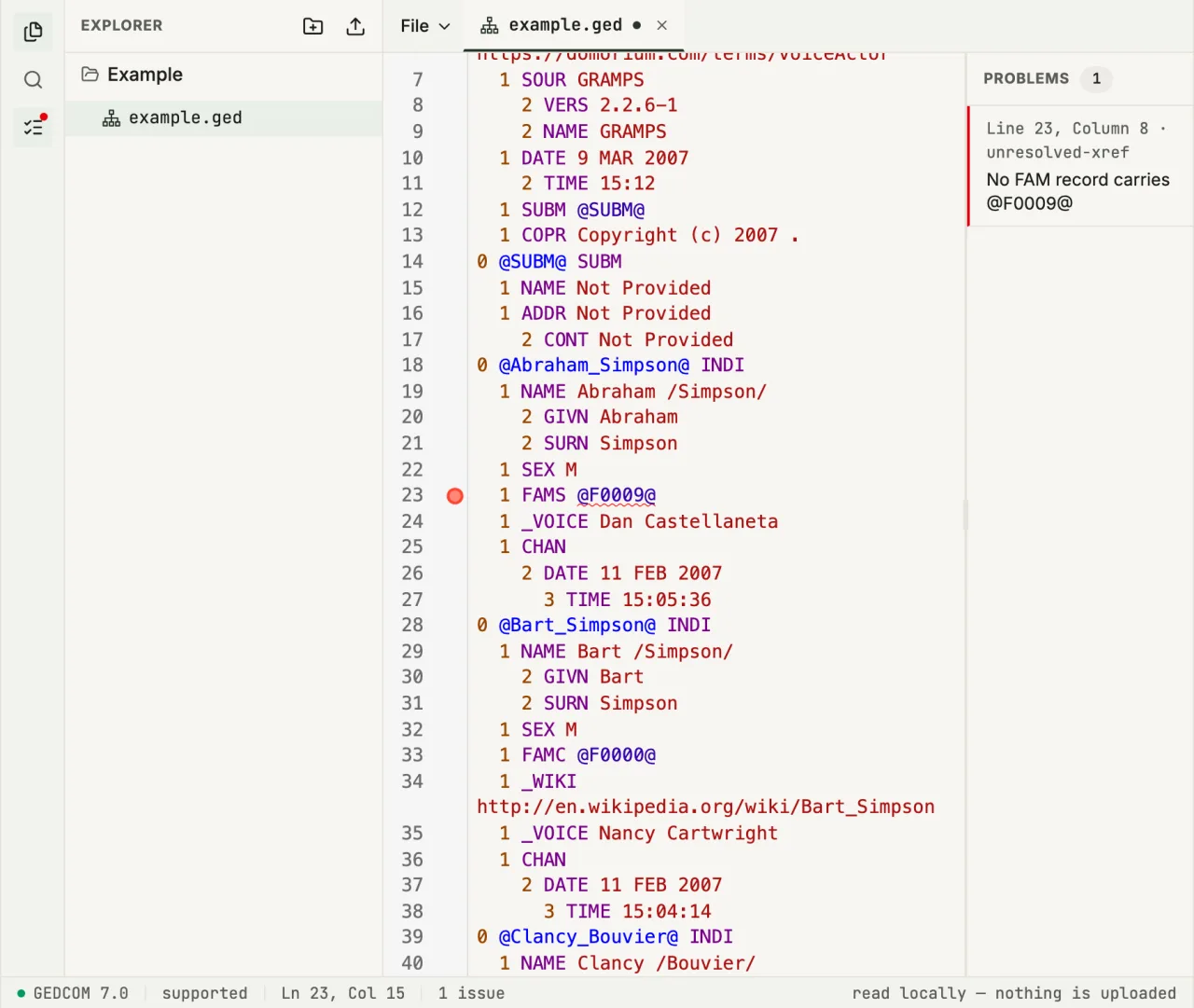
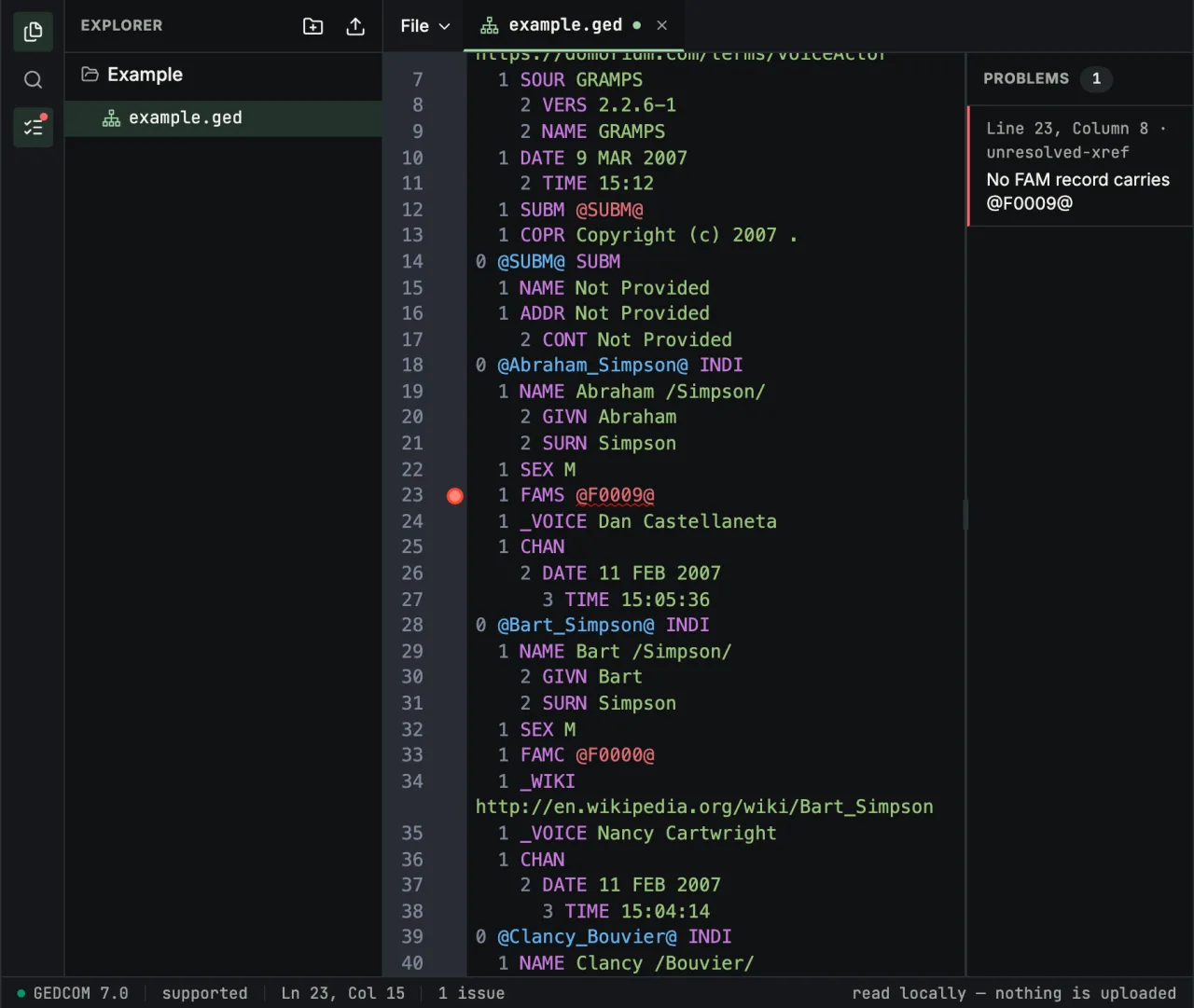
The browser editor runs the same parser, the same generated schema and the same diagnostics as every extension — with nothing to install and nothing uploaded. Open the example beside this text, or grant a folder and work on your own files in place.
- Structure, cardinality and payload types, against the GEDCOM 5.5.1 and 7.0 specifications
- Cross-references that name no record, with a quick fix that points them at one that exists
- Levels that cannot follow the line above them
- Dates naming a day or year their calendar does not have, such as 31 FEB or year 0
Choose your editor. Keep your file.
Install the extension for the application you already work in, or open your .ged file in the browser. Nothing is converted to another format, and nothing leaves your machine.